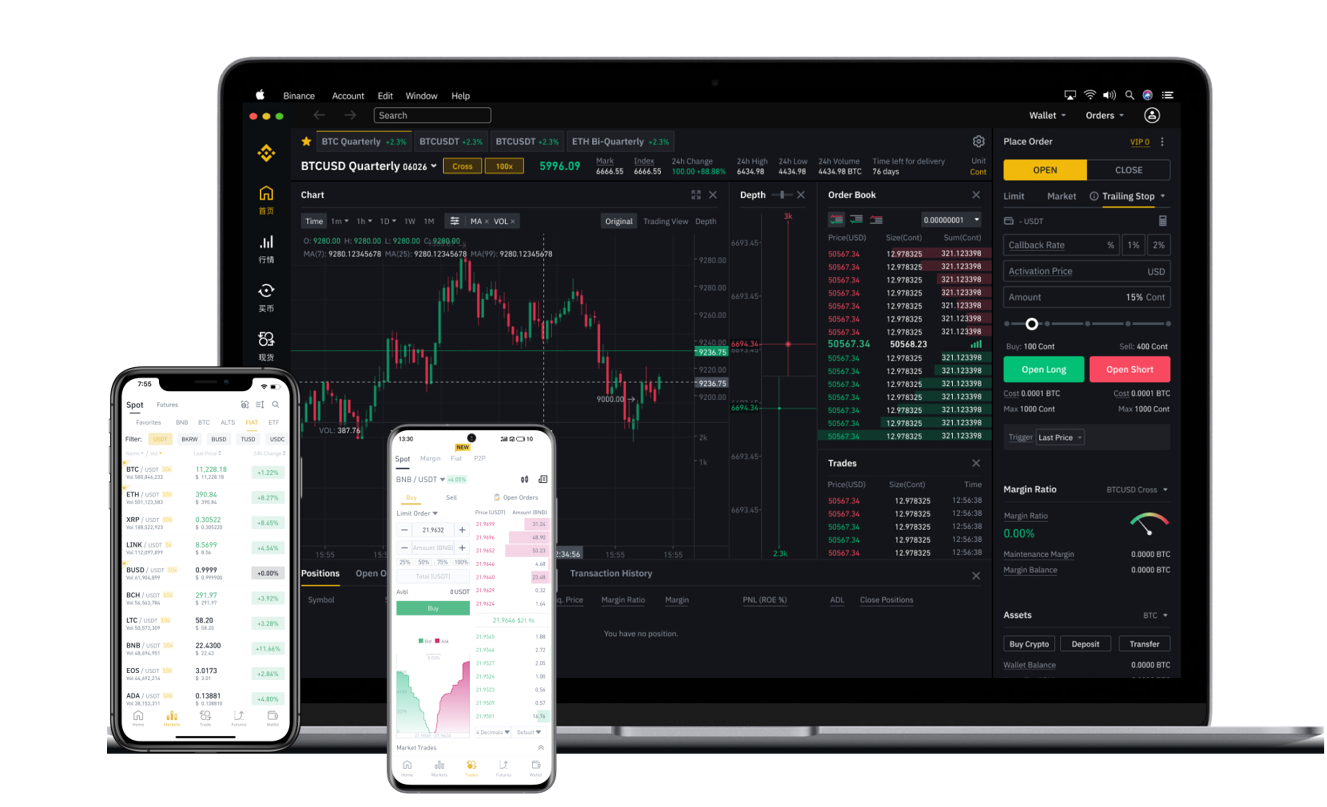

When you ask, "how to withdraw from Binance," you are essentially looking for the safest and most efficient way to convert your digital assets into spendable cash or transfer them to an external wallet. Binance, as the world’s largest cryptocurrency exchange, offers multiple withdrawal methods, but the process can feel overwhelming if you are new to the platform. This guide breaks down the entire withdrawal flow, from security checks to final confirmation.
1. The Core Steps for a Binance Fiat Withdrawal (Bank Transfer)
If your goal is to get money into your bank account, you need to use the "Fiat and Spot" wallet. First, ensure you have completed your Identity Verification (KYC). Without this, bank withdrawals are not possible. Navigate to your Wallet, select "Fiat and Spot," and then click "Withdraw." Choose the fiat currency you want (e.g., USD, EUR, GBP) and select your preferred payment method, such as "Bank Card (Visa/Mastercard)" or "Bank Transfer (SEPA/SWIFT)." Enter the amount, double-check your bank details, and confirm. The processing time usually takes 1-5 business days for SWIFT transfers, while SEPA transfers within Europe are often completed within 24 hours.
2. How to Withdraw Cryptocurrency (e.g., BTC, ETH, USDT)
For users who want to move crypto to a hardware wallet or another exchange, the process is faster but requires extreme caution. On the Binance app or website, go to "Wallet" → "Withdraw." Select the crypto you wish to send (e.g., USDT). You must then choose the correct network (e.g., ERC20, BEP20, TRC20). This is the most critical step. If you send USDT on the BEP20 network to an address that only supports ERC20, your funds will be lost. Always copy the recipient address from the destination wallet and paste it directly—never type it manually. After entering the amount, Binance will send a confirmation to your email and phone (2FA). Verify every digit before clicking "Submit."
3. Common Withdrawal Fees and Limits You Must Know
Every withdrawal on Binance comes with a fee, which varies by cryptocurrency and blockchain network. For example, withdrawing Bitcoin (BTC) typically costs 0.000005 BTC, while withdrawing Ethereum (ETH) costs around 0.001 ETH. Stablecoin withdrawals like USDT are often cheaper on the TRC20 network (1 USDT) compared to ERC20 (10 USDT). Additionally, Binance imposes daily and tiered withdrawal limits based on your KYC level. Unverified accounts have very low limits (as low as 2 BTC daily), while fully verified users can withdraw significantly more. If you need to move large sums, complete the Advanced KYC verification first to avoid frustrating daily caps.
4. Security Checks: Preventing Withdrawal Errors and Scams
A common issue users face is the "Withdrawal Suspended" error. This usually happens due to security triggers, such as logging in from a new device or a recent password change. Binance will temporarily disable withdrawals for 24 to 48 hours in such cases. To avoid this, always use the "Whitelist Address" feature. Add your external wallet address to your whitelist and wait the required 24-hour cooldown period. This means that even if your account is compromised, funds can only go to trusted addresses. Never authorize a withdrawal for someone who contacts you via Telegram or Discord, even if they claim to be "Binance support."
5. What to Do If Your Withdrawal Is Stuck or Pending
Sometimes, a withdrawal will show as "Completed" on Binance but not arrive in your external wallet. This is usually due to blockchain congestion. For Bitcoin, a transaction might take hours if the network fee was too low. You can check the transaction status on a block explorer (like Etherscan for ETH or Blockchain.com for BTC) using the TXID (Transaction ID) provided by Binance. If the status shows "Unconfirmed," you will simply need to wait. If it has been over 12 hours and the transaction is not visible on the blockchain, contact Binance customer support. Provide the TXID and your withdrawal screenshot for a faster resolution.
6. Alternative: Peer-to-Peer (P2P) Withdrawals for Local Currencies
If bank transfers are too slow or not supported in your region, the Binance P2P platform allows you to sell crypto directly to other users and receive payment via local payment methods like PayPal, Skrill, or local bank apps. Go to "Trade" → "P2P." Choose "Sell" and select your currency. You will see offers from verified merchants. The benefit is instant payment, but the risk is higher. Always choose merchants with a 100% completion rate and many successful orders. Binance holds the crypto in escrow, so the merchant releases the funds to you, and only then does Binance release the crypto to the buyer. Never release the crypto if the buyer claims they cannot pay; insist on payment confirmation from your bank first.
By understanding these withdrawal methods, fees, security protocols, and troubleshooting steps, you can confidently cash out your funds or move your assets without losing money to errors or delays. Always prioritize network selection and address verification over speed.