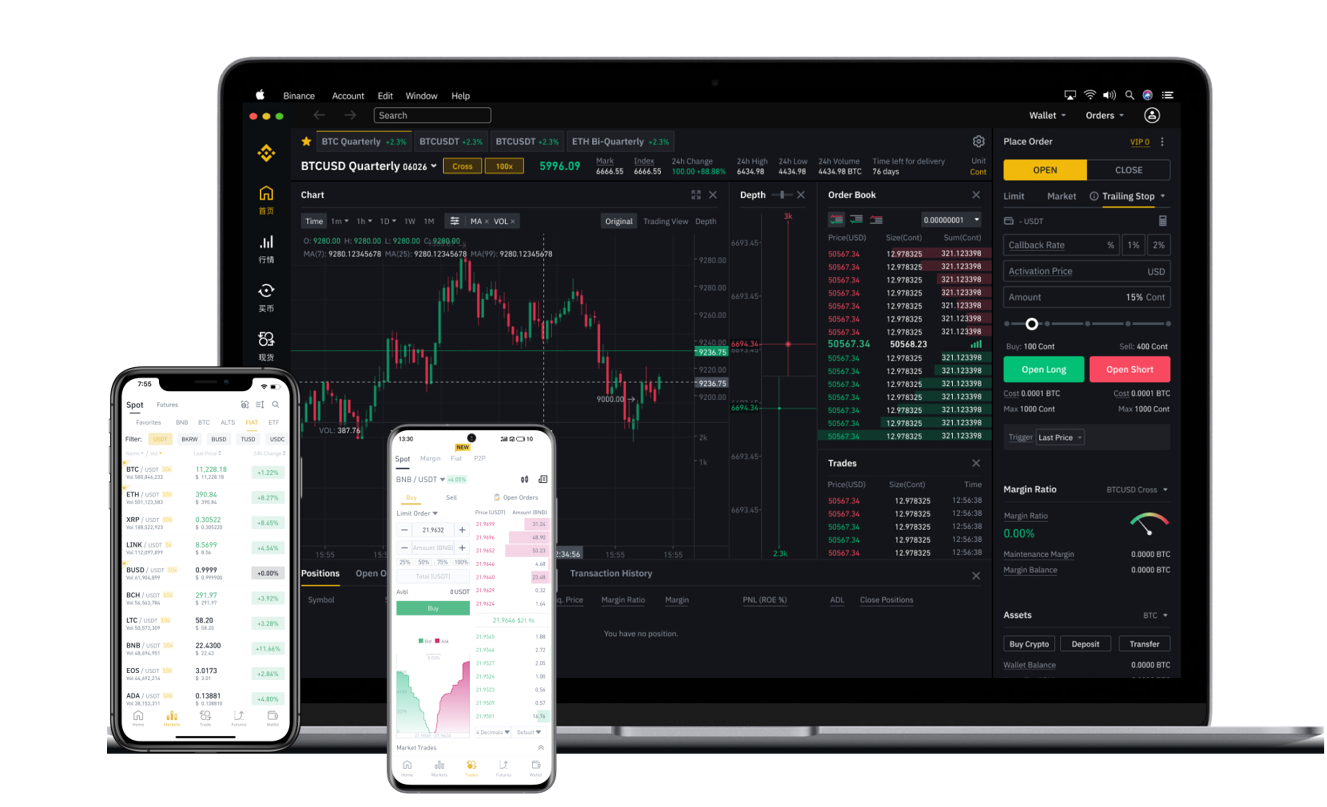


When using vnPy, a popular open-source algorithmic trading platform, many traders connect to the Binance exchange to execute automated strategies. However, once profits are made or positions are closed, the question of how to withdraw funds from Binance through vnPy becomes critical. This article provides a clear, step-by-step guide on the withdrawal process, focusing on the interface between vnPy and Binance.
First, it is important to understand that vnPy itself does not natively initiate on-chain withdrawals. The platform is designed for trading, not for moving funds to external wallets. Therefore, to withdraw funds from Binance via vnPy, you need to use Binance’s official withdrawal function, which is accessed through its web interface or mobile app after your vnPy trading session ends.
The process begins by ensuring your Binance account is properly configured in vnPy. You must have your API keys set up with the correct permissions. Log into your Binance account, go to API Management, and create a new API key. Ensure you enable "Enable Withdrawals" if your API key is intended to handle funds movement—though it is strongly recommended to keep withdrawal permissions disabled for API keys used in trading bots for security reasons. Instead, use a separate, more secure method for withdrawals.
Once your vnPy trading strategies have executed and your balance is updated, stop your trading bot. Open Binance in your browser or app. Navigate to "Wallet" and then "Withdraw". Select the cryptocurrency you wish to withdraw (e.g., USDT, BTC, ETH). Enter the destination wallet address. This could be a hardware wallet, a hot wallet, or an exchange wallet. Double-check the address and the network (e.g., BEP-20, ERC-20, TRC-20) to avoid loss of funds.
If you need to withdraw funds that were generated from vnPy trading, you must ensure that the assets are not locked in open orders or margin positions. Before withdrawing, close all active orders via vnPy or the Binance interface. Also, transfer any margin balances back to your spot wallet. This step is crucial because withdrawal requests only affect your spot wallet balance.
After selecting the amount and confirming the address, Binance will send a verification code to your email and phone. Enter the code and confirm the withdrawal. The transaction will then be processed by Binance. Depending on network congestion, the withdrawal may take a few minutes to several hours. You can track the status on the Binance withdrawal history page or via the blockchain explorer of the respective network.
It is worth noting that vnPy can help you track your balances through its data feed. By using the "get_balance" function in your strategy or by checking the account data interface, you can verify your spot wallet balance before initiating a withdrawal manually. However, vnPy does not automate the withdrawal step itself. To automate withdrawals from Binance, you would need to use Binance’s official Withdrawal API, which requires separate integration and careful security handling. Most users prefer manual withdrawals for security.
Finally, always remember to secure your withdrawal addresses. Whitelist addresses on Binance for frequent withdrawals to prevent unauthorized transfers. Also, keep your vnPy API keys safe and never expose them publicly. By following these steps, you can safely move your trading profits from Binance to your personal wallet after executing your vnPy strategies.