Transferring USDT from Binance to MEXC (also known as MEXC Global) is a common step for traders looking to access different trading pairs, lower fees, or specific features. However, the process involves careful attention to network selection and address verification to avoid losing funds. Below is a step-by-step guide on how to move your USDT from Binance to MEXC and then withdraw it to an external wallet.
Step 1: Prepare Your MEXC Deposit Address
First, log into your MEXC account. Navigate to "Assets" > "Deposit" or "Wallet" > "Deposit". Search for USDT. MEXC will ask you to select a network – choose the same network you plan to use on Binance. The most common choices are TRC-20 (Tron), ERC-20 (Ethereum), or BEP-20 (Binance Smart Chain). TRC-20 is often preferred due to low fees and fast confirmation. Copy your USDT deposit address and ensure you note the network type displayed.
Step 2: Initiate the Withdrawal on Binance
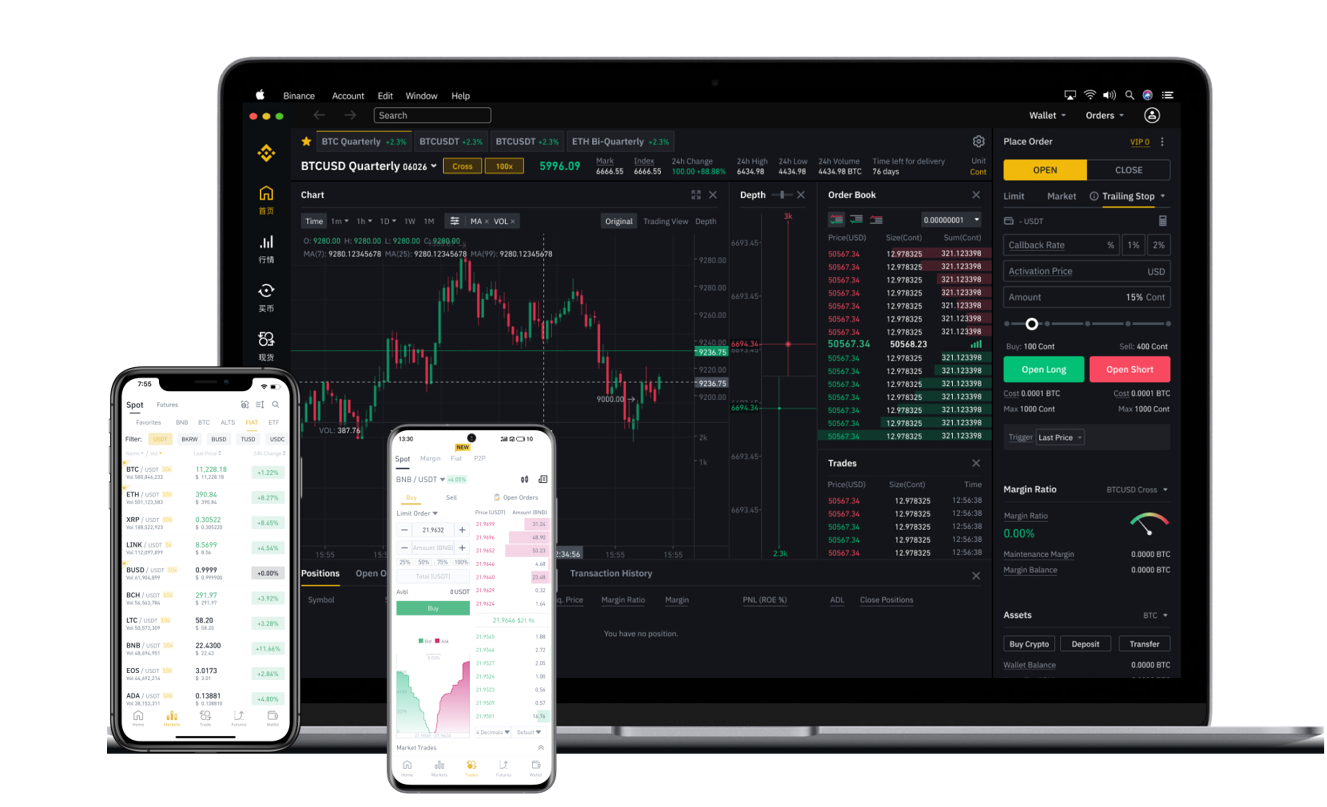
Log into your Binance account. Go to "Wallet" > "Fiat and Spot" > "Withdraw". Enter "USDT" as the coin. In the "Address" field, paste the USDT address you copied from MEXC. Critical warning: Under the "Network" dropdown, select the exact network you chose on MEXC (e.g., if you chose TRC-20 on MEXC, select TRC-20 on Binance). Using the wrong network will result in irreversible loss of funds. Enter the amount of USDT you wish to transfer. Review the withdrawal fee, which varies by network (e.g., TRC-20 fees are typically lower than ERC-20). Complete any security verification steps (email/SMS/2FA) and confirm the withdrawal.
Step 3: Confirm Receipt on MEXC
Once Binance processes the transaction, you will see a TXID (transaction ID). You can track its progress on a blockchain explorer. Depending on network congestion, this may take a few seconds to several minutes. On your MEXC account, go to "Assets" > "Deposit History" or check the "Wallet" overview. The USDT balance will update once the network confirms the transaction. MEXC usually requires a certain number of block confirmations before crediting the deposit (e.g., 1-2 confirmations for TRC-20).
Step 4: Withdrawing USDT from MEXC to an External Wallet
After the USDT is deposited into your MEXC account, you can withdraw it to an external wallet (like a hardware wallet, MetaMask, or a different exchange). Go to "Assets" > "Withdraw" on MEXC. Select USDT and paste your external wallet address. Again, match the network exactly. Enter the amount, review the withdrawal fee (MEXC charges a fixed fee per network, e.g., 1 USDT for TRC-20), and complete the security steps. The funds will be sent to your external wallet after processing.
Key Considerations and Common Mistakes
- Network mismatch: This is the most frequent error. Double-check that the network (TRC-20, ERC-20, etc.) is identical on both exchanges.
- Minimum withdrawal limits: Binance and MEXC have minimum USDT withdrawal amounts (e.g., 10-20 USDT for TRC-20). Ensure you are transferring at least the minimum.
- Withdrawal fees: Fees are deducted from the amount you send. For example, if you withdraw 100 USDT using TRC-20 on Binance, you might receive 99 USDT (fee ~1 USDT). On MEXC, the fee structure differs so check their current schedule.
- Memo/Tag: If you are depositing to an exchange account that requires a Memo or Destination Tag (often for XRP or some BNB chains), you must include it. USDT transfers generally do not require a memo unless depositing to a specific centralized exchange account that uses one. When depositing to MEXC, you usually only need the wallet address, but verify if the network you choose requires a tag.
- Security: Always ensure you are on the official websites (binance.com and mexc.com). Use 2FA authentication on both platforms to prevent unauthorized withdrawals.
Summary
Transferring USDT from Binance to MEXC and then withdrawing to a wallet is a straightforward process that relies on accurate network selection. The recommended approach is to use the TRC-20 network for its speed and low fees. Always perform a small test transfer (e.g., 10-20 USDT) before moving large amounts. By following these steps carefully, you can move your USDT securely between Binance, MEXC, and your personal wallet.