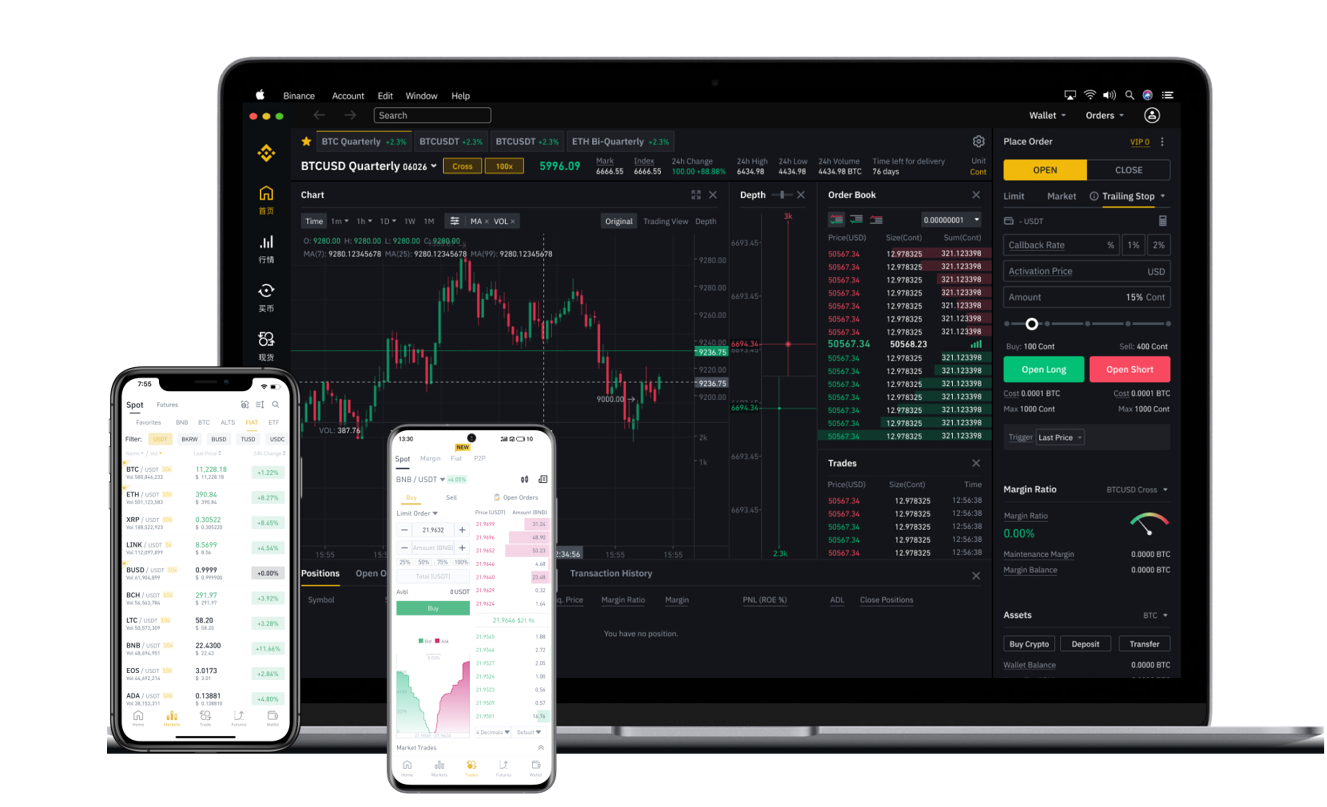
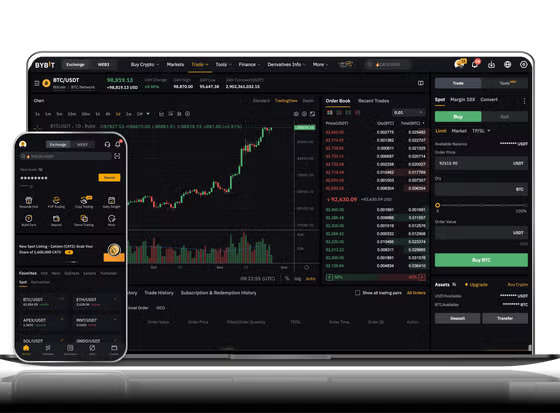

Building a cryptocurrency exchange from scratch is a complex but rewarding endeavor. One of the most efficient ways to accelerate this process is by leveraging the Binance API. As one of the world's largest and most reliable crypto exchanges, Binance provides a robust set of public APIs that allow developers to access real-time market data, execute trades, manage orders, and handle user account information. This guide explains how to use the Binance API to develop your own exchange platform, focusing on key technical steps and implementation strategies.
1. Understanding the Binance API Ecosystem
Binance offers several API types, including the REST API for HTTP-based requests and WebSocket streams for real-time data. The REST API is ideal for sending orders, querying balances, and retrieving historical data. WebSocket streams provide live trades, ticker updates, and order book depth, which are critical for any exchange. To begin, you must register on Binance and generate an API key with specific permissions. Always store these keys securely and never expose them in client-side code.
2. Setting Up the Trading Engine
Your exchange needs a core trading engine that connects to Binance. Use the Binance REST API endpoints like `/api/v3/ticker/bookTicker` to fetch the best bid/ask prices or `/api/v3/exchangeInfo` to retrieve all tradable pairs. For user order execution, implement endpoints such as `/api/v3/order` (place order) and `/api/v3/myTrades` to query user trade history. It's crucial to handle rate limits—most endpoints allow 20 requests per second for the general public; upgrade to a dedicated server if scalability is needed. Use signed (HMAC-SHA256) requests for private endpoints, passing the recvWindow and timestamp parameters to prevent replay attacks.
3. Integrating Real-Time Market Data
Real-time data is essential for a user-friendly exchange. Connect to Binance WebSocket streams: `wss://stream.binance.com:9443/ws/` for combined streams. Subscribe to streams like `btcusdt@depth20` to get the top 20 bids and asks every 100ms, or `btcusdt@trade` to receive live trade prints. On your back end, process and normalize this data (e.g., converting raw depth to aggregated order books) and push it via WebSocket to your front end. Use a message broker like Redis Pub/Sub to distribute the data to multiple server instances for reliability.
4. Handling Orders and User Balances
Each user on your exchange will have a wallet managed on your server, not directly on Binance. When a user places a buy order, your system must check their internal balance, block the required funds, and then send a corresponding order to Binance via the API. Use `POST /api/v3/order` with parameters like `symbol`, `side`, `type`, `timeInForce`, `quantity`, and `price`. For market orders, omit the price. After execution, update your internal ledger instantly. To reconcile balances, periodically fetch `/api/v3/account` to compare your internal records with Binance's actual holdings.
5. Security and Error Handling
Security is non-negotiable. Use IP whitelisting for API keys. Implement server-side rate limiting with exponential backoff to avoid being banned. Validate all incoming user requests and never expose your Binance API key to the client browser. For errors, parse the API response HTTP status codes—e.g., HTTP 400 means a malformed request, while HTTP 503 indicates Binance is overloaded. Log all errors and set up alerts. Additionally, implement withdrawal and deposit hooks by monitoring Binance's deposit notifications via webhooks or polling the `api/v3/deposit/history` endpoint.
6. Testing and Going Live
Start with Binance's Testnet (testnet.binance.vision) to avoid real funds. Simulate order placement, market data feeds, and error scenarios. Testnet keys are separate and have no monetary value. Once confident, switch to production. Monitor latency; a delay of even 50ms can affect order execution. Use a dedicated server close to Binance's major AWS servers (usually in AWS Tokyo or Frankfurt) to minimize ping. Keep your code modular—separate the market data fetcher, order manager, and internal accounting for easier debugging and scaling.
By combining the Binance API's reliable infrastructure with your custom exchange logic, you can launch a trading platform with deep liquidity, real-time data, and robust order management. Start with a minimal viable product focusing on spot trading, then gradually add futures, margin, or lending features. Always comply with local regulatory requirements and Binance's API terms of service. This approach will reduce development time from years to months, allowing you to focus on user experience and unique feature sets.